

Use the main venues
Trade on Hyperliquid, Polymarket, Lighter and Veranta, and swap on Jupiter, from Claude or any connected app. The same three steps for each, with a prompt to copy.
Every venue works the same way. Connect your app once, check that the venue is ready, then ask for a trade. You see a preview of every trade, and nothing runs until you confirm.
Before you start: connect Thirdfy in your app. See Connect Thirdfy in Claude, ChatGPT or all apps. Tick Trade within your agent's limits when you sign in.
The three steps
- Check the venue. Ask whether your agent is ready on the venue. Thirdfy checks funding, keys and approvals, and says what is missing.
- Fix what is missing. Usually that is a deposit to your agent's wallet, or a wallet policy update you sign once so the agent's wallet may use the venue (how). Ask your app what is missing; it gives you the next step.
- Preview, then confirm. Ask for a trade. Your app shows the order and your limits first, and places it only when you confirm.
Each venue has its own page on thirdfy.com/protocols that lists what agents can do there and the rules every trade must pass.
Hyperliquid
Perpetuals: open, protect and close positions. Your agent funds it with USDC.
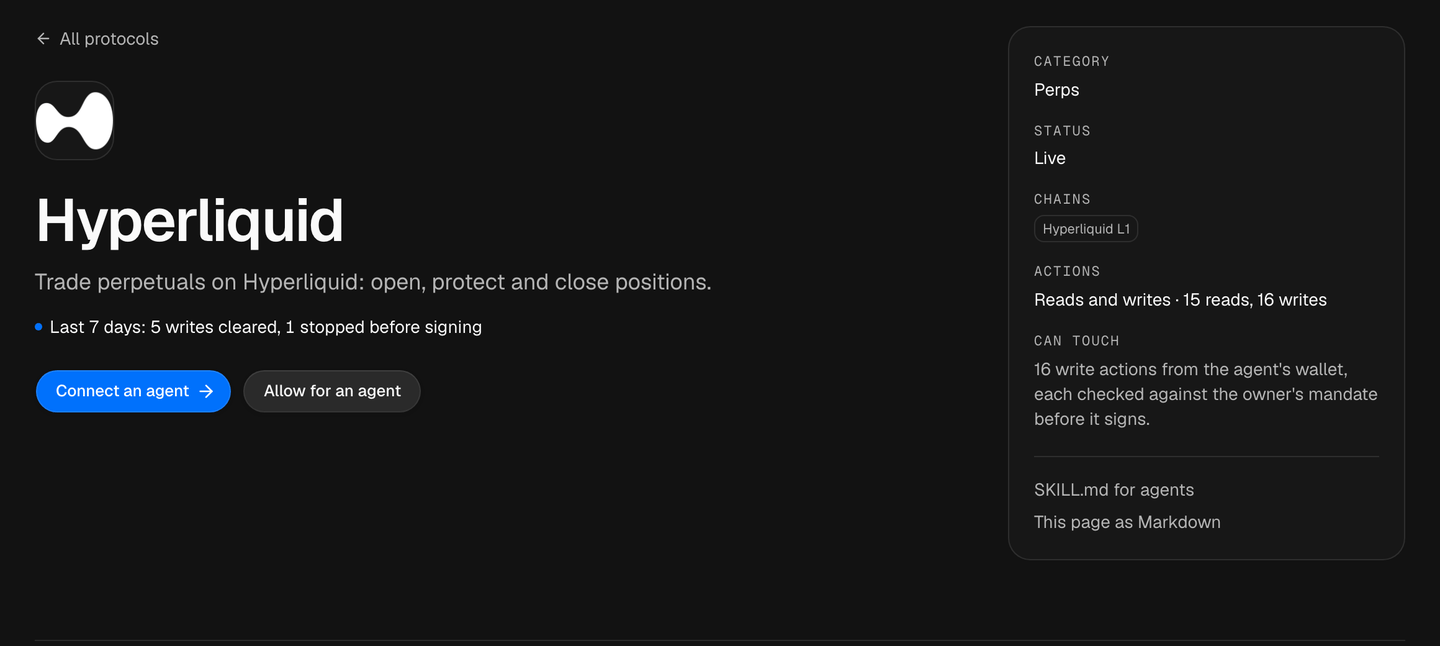
Details: Hyperliquid.
Polymarket
Prediction markets: find a market, buy or sell an outcome, and redeem when it resolves.
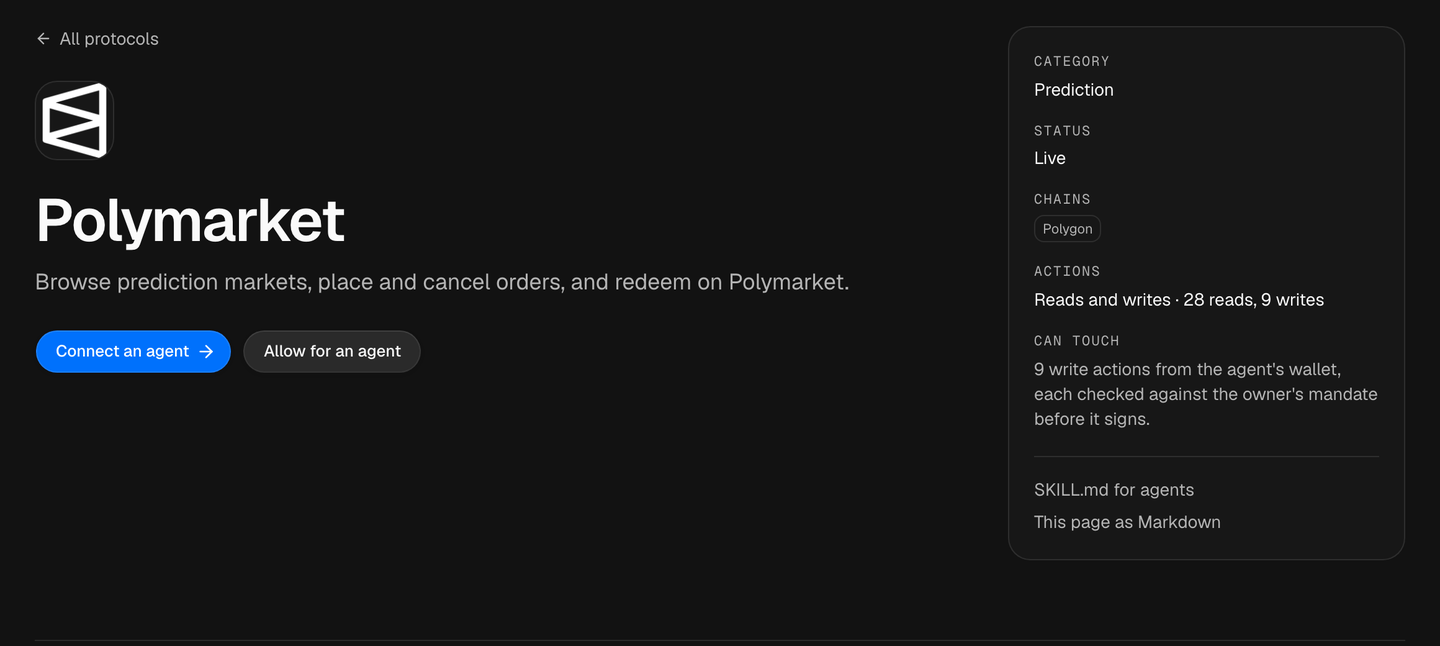
Details: Polymarket.
Lighter
Perpetuals on Lighter: fund the account, then place and cancel orders. The first deposit is at least 5 USDC. A new agent's wallet policy does not include Lighter yet: switch it on under Allowed actions on the agent's Policy page, then sign the wallet policy update.
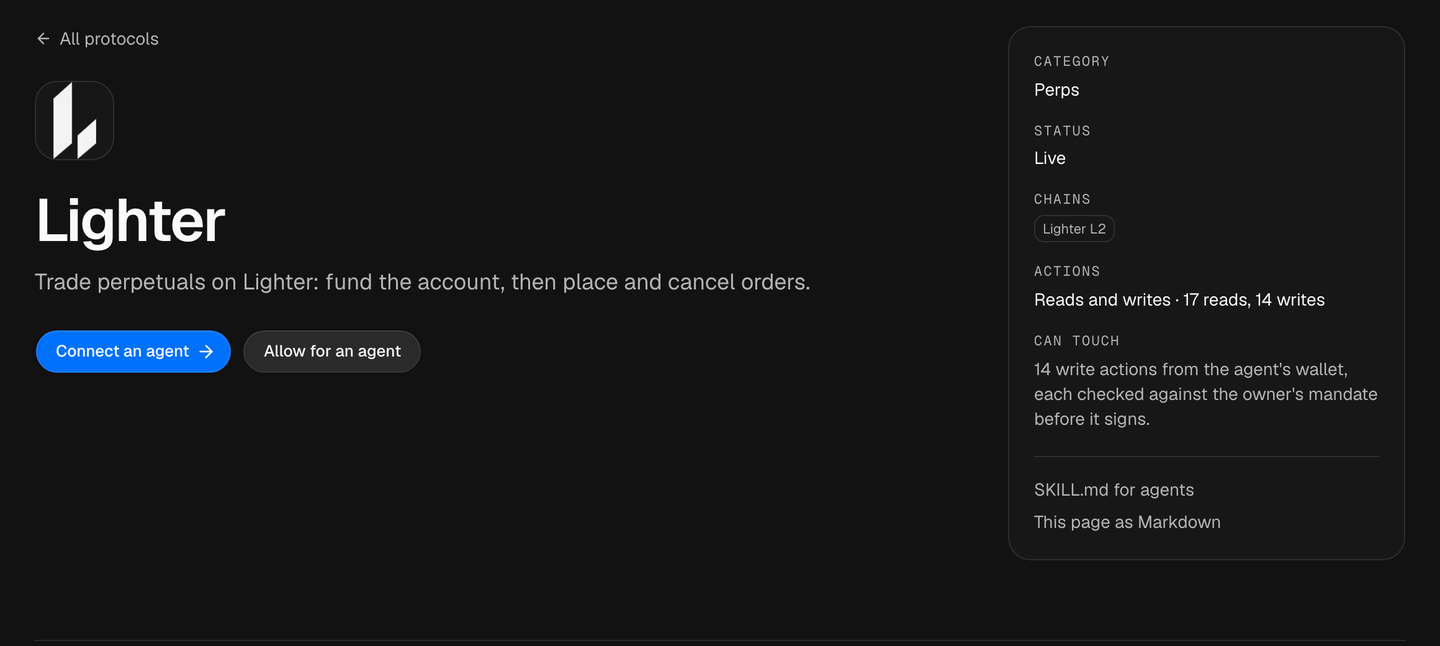
Details: Lighter.
Veranta
Perpetuals on Base (formerly Avantis): open, protect and close positions, with take profit and stop loss set when you open.
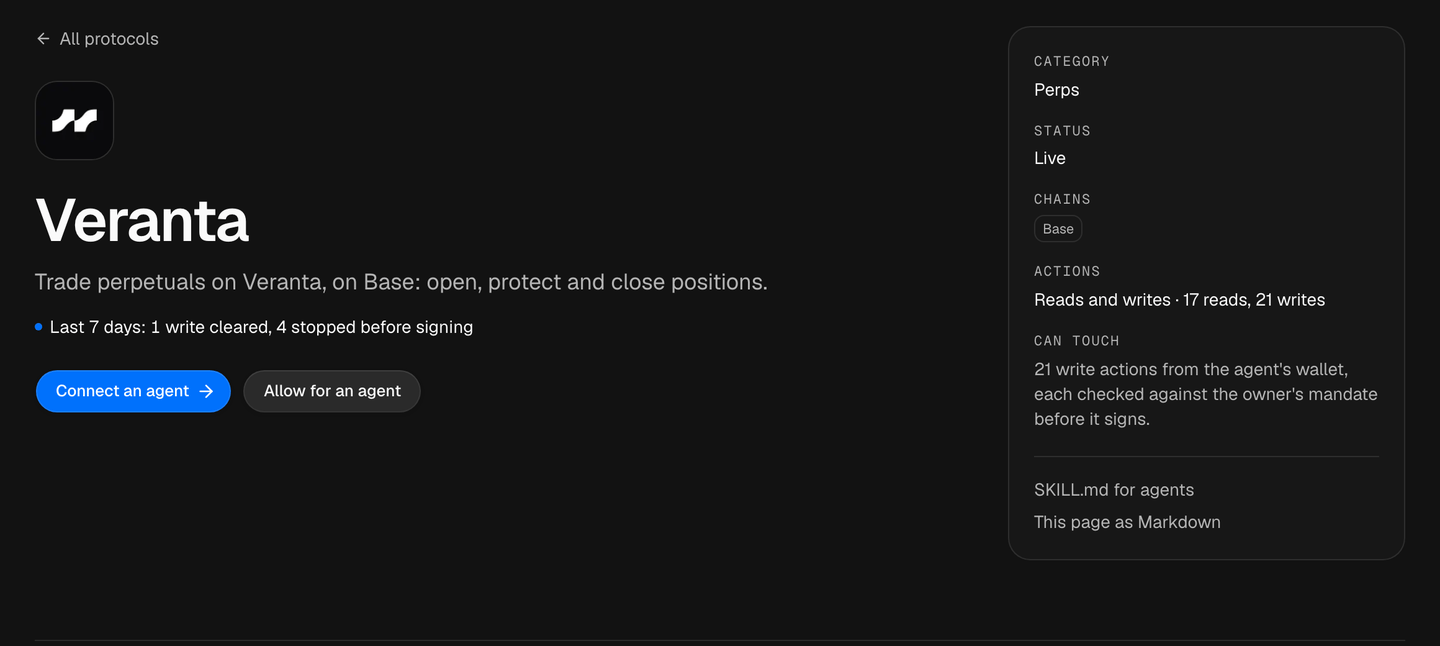
Details: Veranta.
Jupiter
Swaps on Solana at the best route, and yield with Jupiter Lend. Only tokens Jupiter has verified can be bought.
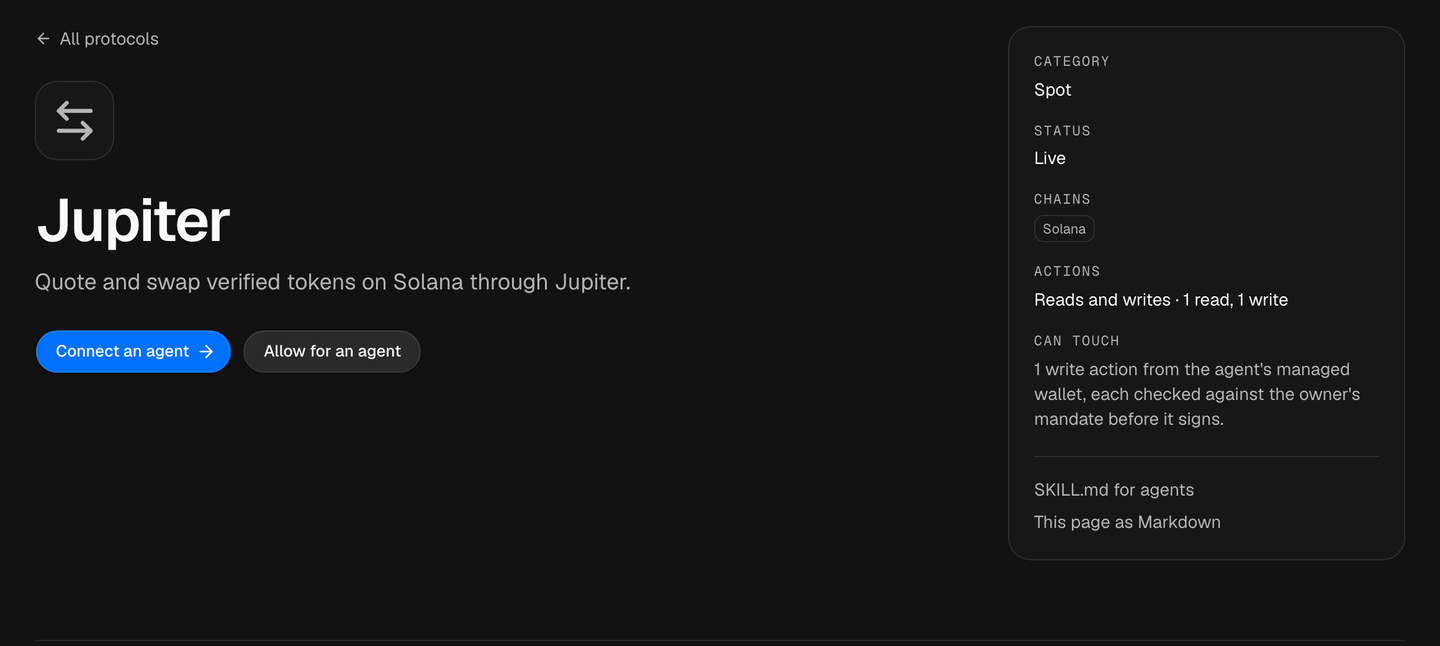
Details: Jupiter and the Solana guide.
If something goes wrong
| What you see | What to do |
|---|---|
| The venue is not ready | Ask "what's missing?" and follow the next step it gives, usually a deposit |
| A trade is refused | It is outside your agent's limits or allowed actions. Change them on the agent's Policy page in Agents |
| The app asks you to sign in again before a trade | You granted read only. Sign in again and tick Trade |
| You are out of Credits | See Credits and balance |
All venues and chains: Integrations.